
trakk'em is a private way to send music. You upload a track, send each person their own link, and see what they did with it: whether they opened it, how much they listened, and which parts they replayed.
This page covers the whole flow once. Every step has its own page with the details.
Create an account
Sign up at trakkem.app/signup with an email and password, or with Google. You also choose a username (right away, or at the first login if you signed up with Google): it is part of your public addresses (your streaming and upload area pages) and it is also your referral code. Confirm your email from the message you receive and you are in.
Every account starts on the Free plan. Pro and Studio unlock more storage, downloads, file delivery, streaming and unlimited links. The full comparison is on the Account and plans page.
The flow in four steps
- Upload a track. Open Tracks in the sidebar and drop an audio file on the page. MP3, WAV, AIFF, FLAC, OGG and M4A are accepted, and the file is stored exactly as you uploaded it. See Tracks.
- Optionally, group tracks in a playlist. Two or more tracks sent together become a playlist with one link per listener. See Playlists.
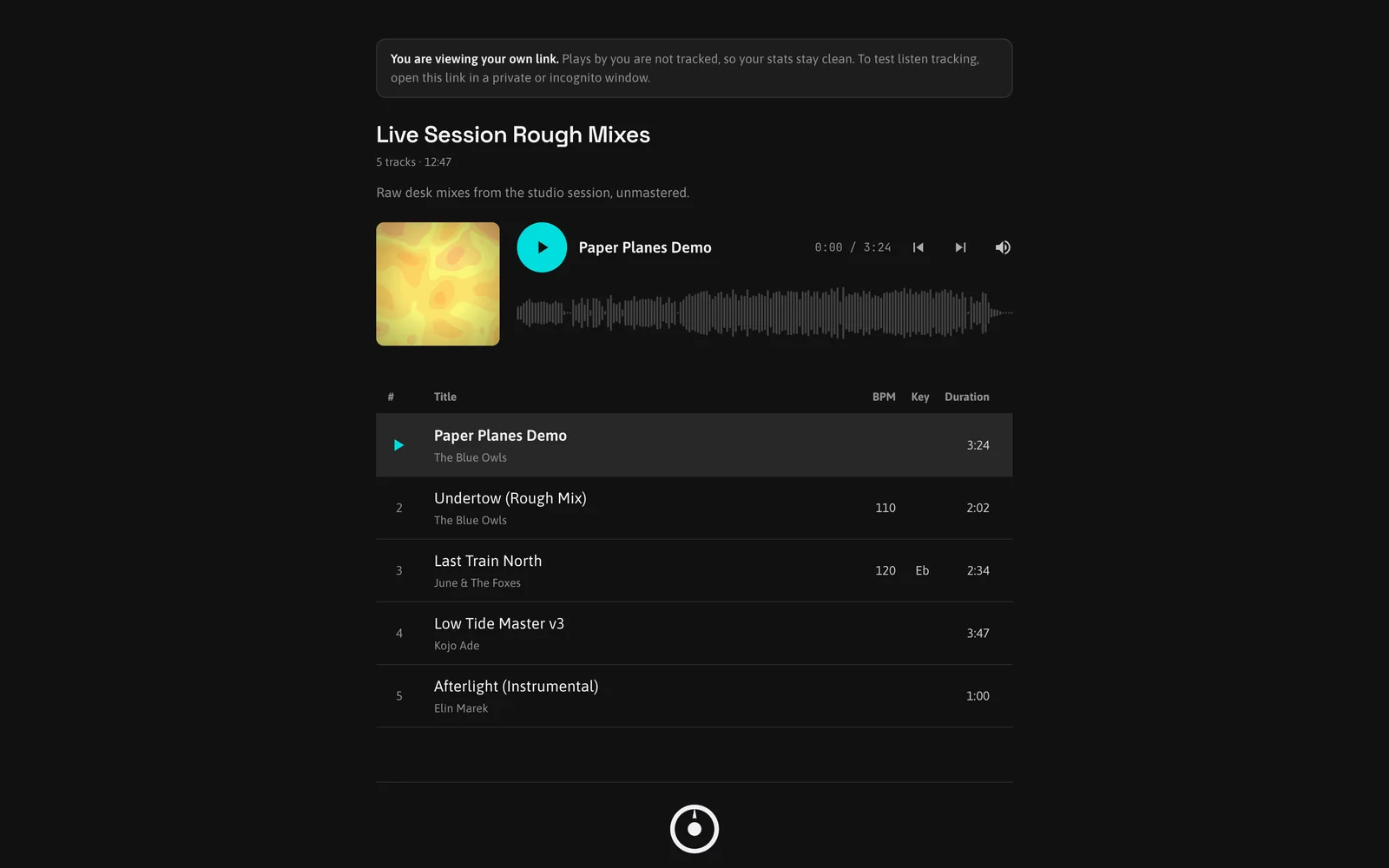
- Share it. Press Share on a track or a playlist, type the listener's email or pick a contact, add a message and send. Each listener gets a private link that only they know. You can also copy a link and send it yourself. See Sharing links.
- Watch the listens. The moment a listener presses play, the Stats page and the link detail update. Completed, partial and skipped plays are counted per listener, per track. See Stats and How stats are calculated.
Try it on yourself first
The Share window offers a one-click "Create your test link". It creates a link named "You" with no email, so you can open it in a private browser window and see a listen appear in your Stats. Use a private window or a phone, because plays from the browser where you are logged in are left out of the stats.
Where things are
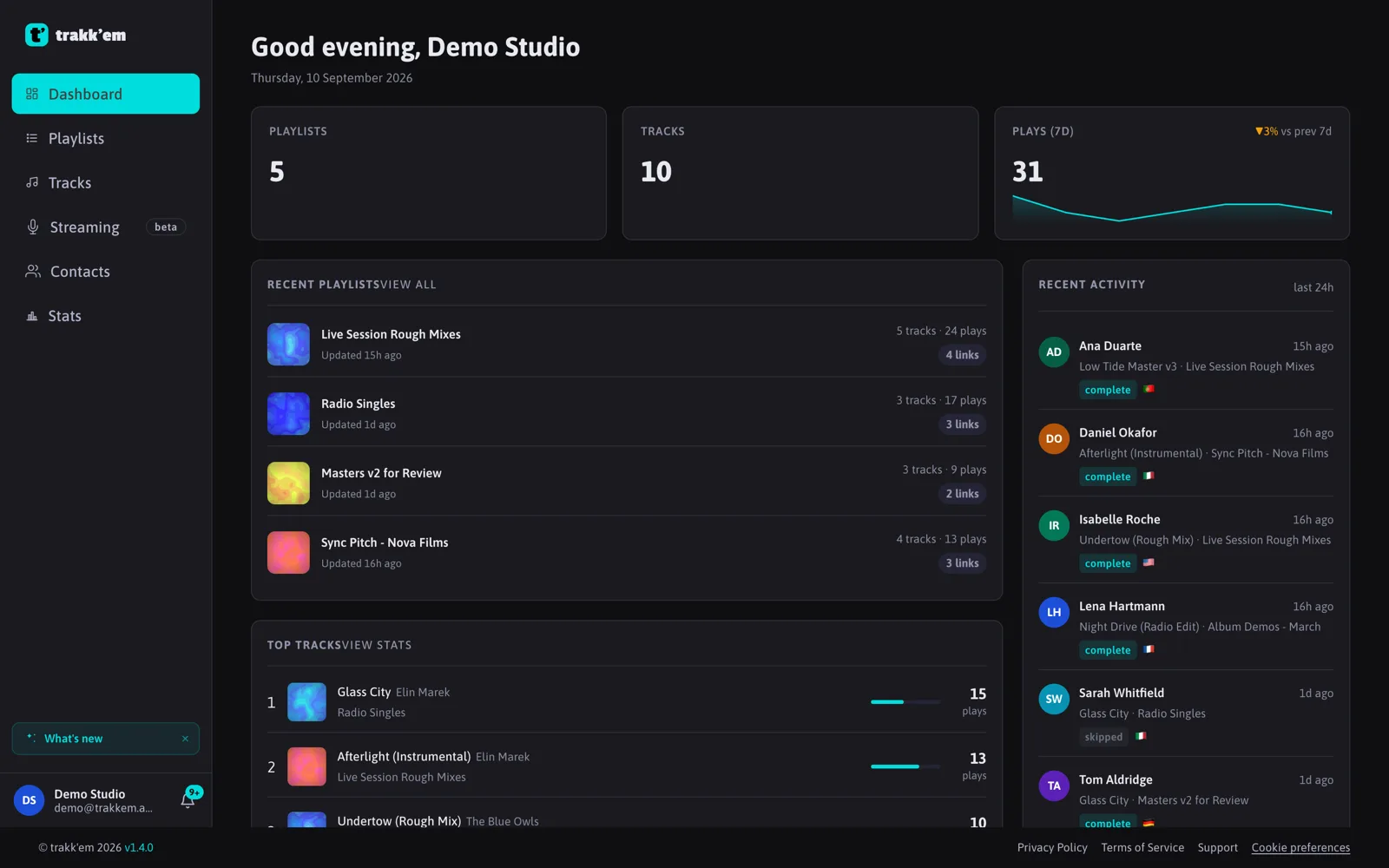
- Dashboard: overview and, on a new account, a guide through the first upload, share and listen.
- Playlists and Tracks: your library.
- Contacts: the people you send music to, reused across every share.
- Stats: every share and every link, with live "Playing now" indicators.
- Streaming (Pro and Studio): broadcast live audio to a web page.
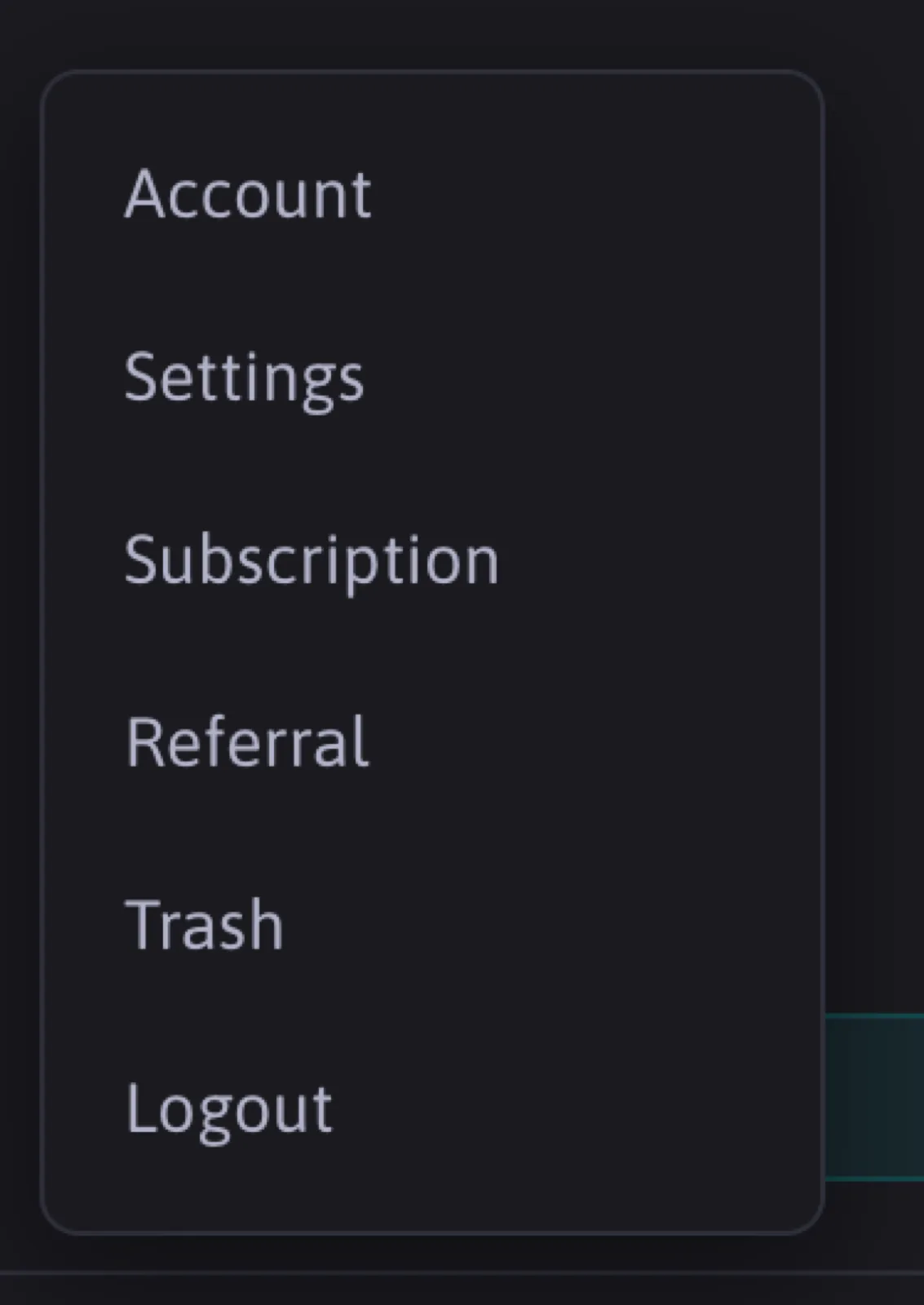
- The avatar menu holds Account, Settings, Subscription, Referral and Trash.
FAQ
What does the listener need?
Just the link. It opens in any browser, on any device, without signup. If you set a password on the share, the listener types it once.
What quality does the listener hear?
The file you upload is the file that plays and, if you allow downloads, the file the listener gets, at its original quality.
Can I send one track to many people?
Yes. Each person gets their own link, so the plays stay separate per listener. Free accounts can create up to 5 links per playlist; Pro and Studio have no limit.