
Every number on the Stats page comes from what happens on a private link. Because each link belongs to one person, everything on it is attributed to that person. This page explains what is recorded and how each number is decided.
What is recorded
For every play, per listener and per track:
- Listened time and the resulting status: completed, partial or skipped.
- Replays: whether the listener played a track more than once in a session.
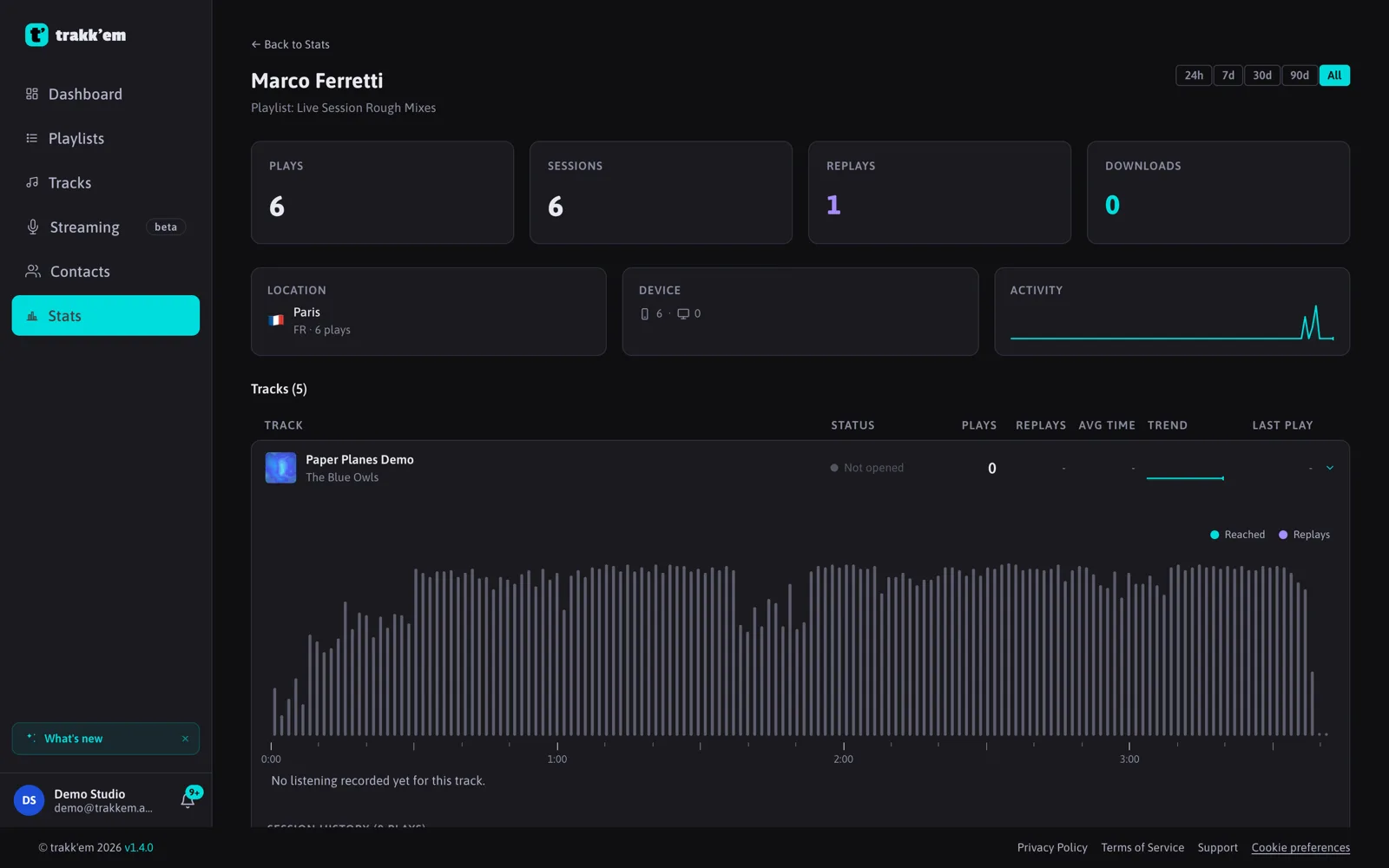
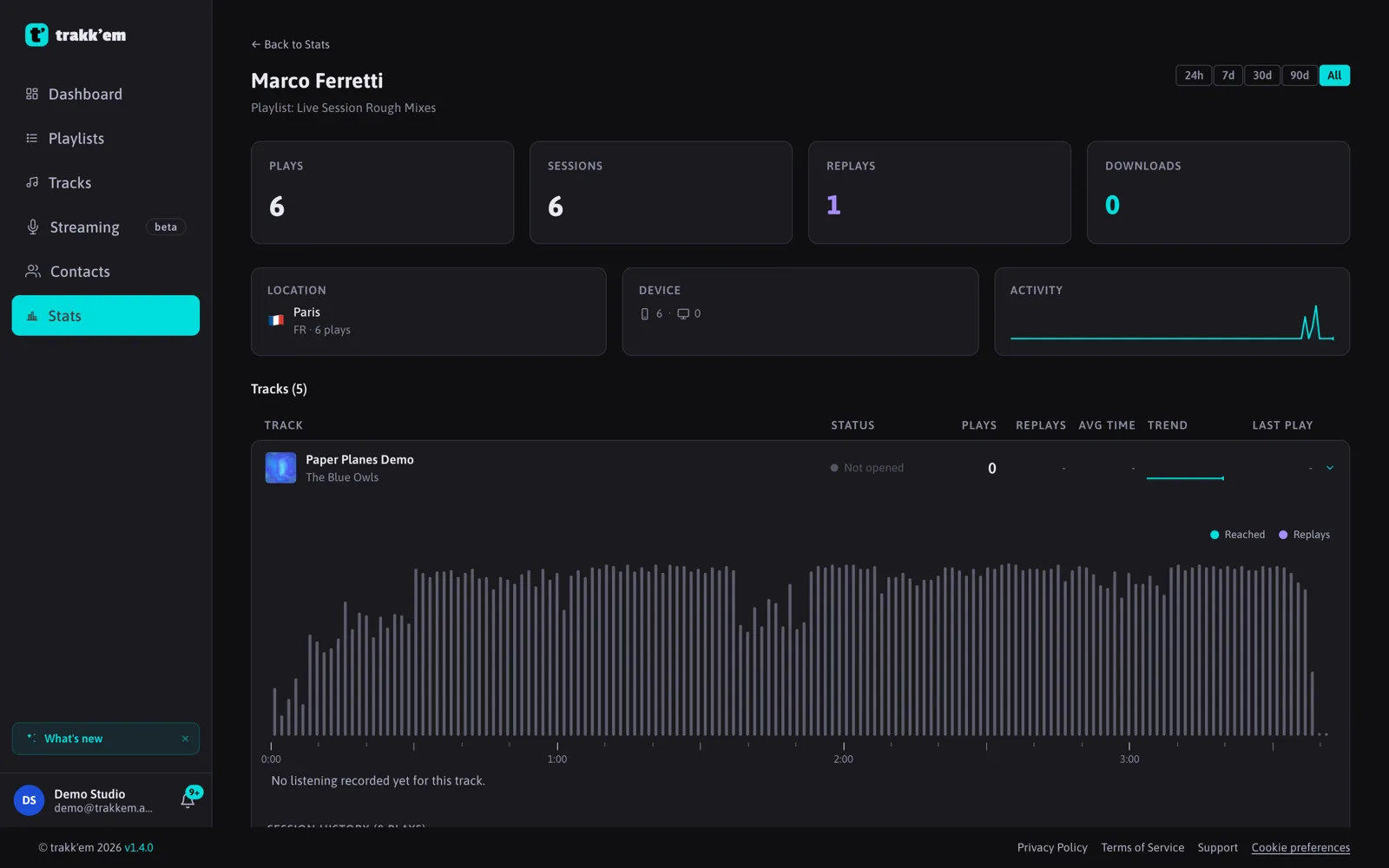
- Which parts were heard, as a map of the track split into about 200 segments. This is what draws the wavemap in Stats.
- Device (desktop or mobile) and approximate location (city and country, derived from the network address).
- Downloads of tracks and attachments, when downloads are enabled.
Tracking starts the moment play is pressed and updates every few seconds while the track plays, so Stats is at most about 15 seconds behind.
How a status is decided
- Completed: at least 80% of the track was listened to.
- Skipped: less than 20%.
- Partial: anything in between.
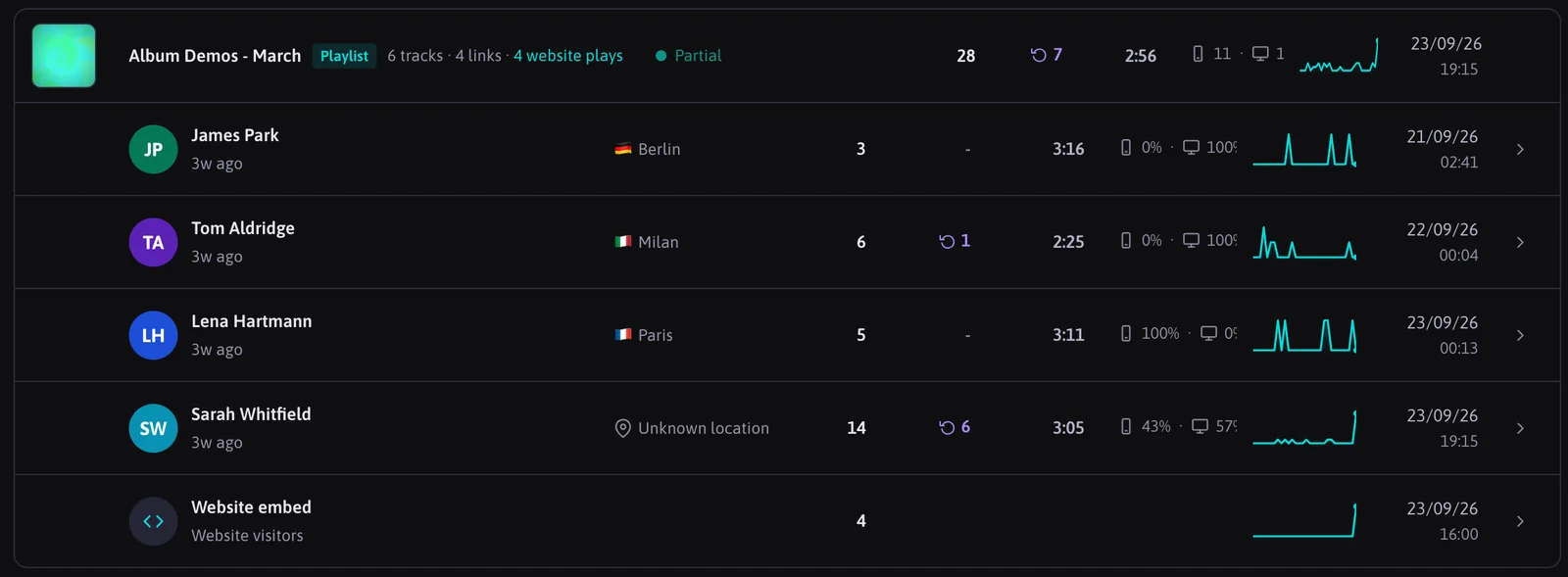
- Replayed: more plays than tracks in the session, in other words the listener went back to something.
Listened time is the time the audio actually played, whatever the playhead did in between.
Whose plays count
- Listeners' plays. Every play through a link counts for the contact the link belongs to.
- Your own plays, from the browser where you are logged in, are left out. This keeps your stats clean, and it is why the test link should be opened in a private window.
- Plays of the website embed are recorded and kept apart from your listener totals.
Playing now
While a track is playing through a link, a "Playing now" indicator pulses on the Stats list and in the link detail, and the wavemap shows a dot moving along the track.
History
Free accounts see the last 30 days of listening data. Pro and Studio keep the full history.
FAQ
How precise is the location?
It is the city and country associated with the listener's network address, which can be off, especially on mobile networks and VPNs.
How are downloads counted?
Separately from listens, with their own number in the link detail.