
Listeners can leave comments on a track from their private link, on a precise moment or on the whole track, and you reply from the track page. Every link has its own conversation: two listeners never see each other's comments. Available on Pro and Studio.
Turning comments on
Comments are off by default. There are three switches, each one narrowing the next:
- Settings → Projects defaults → Allow comments by default: the starting value for new playlists and tracks.
- Playlist settings → Permissions → Allow comments: for every link of that playlist.
- Track settings → Permissions → Allow comments: for the links of a track shared on its own.
When comments are off, listeners see neither the comment buttons nor the comments. Comments already written stay on the track page. The website embed never shows comments.
What listeners see
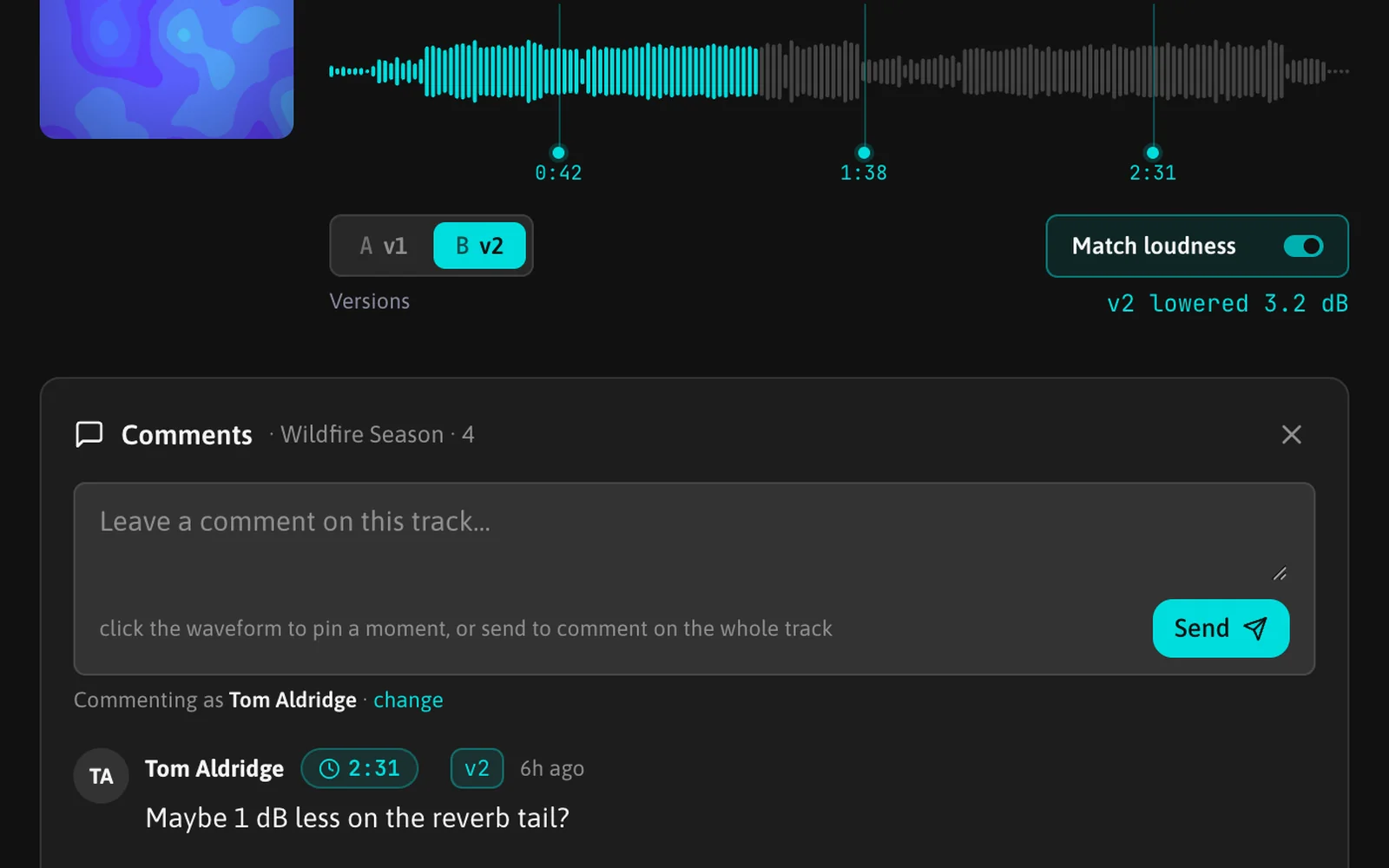
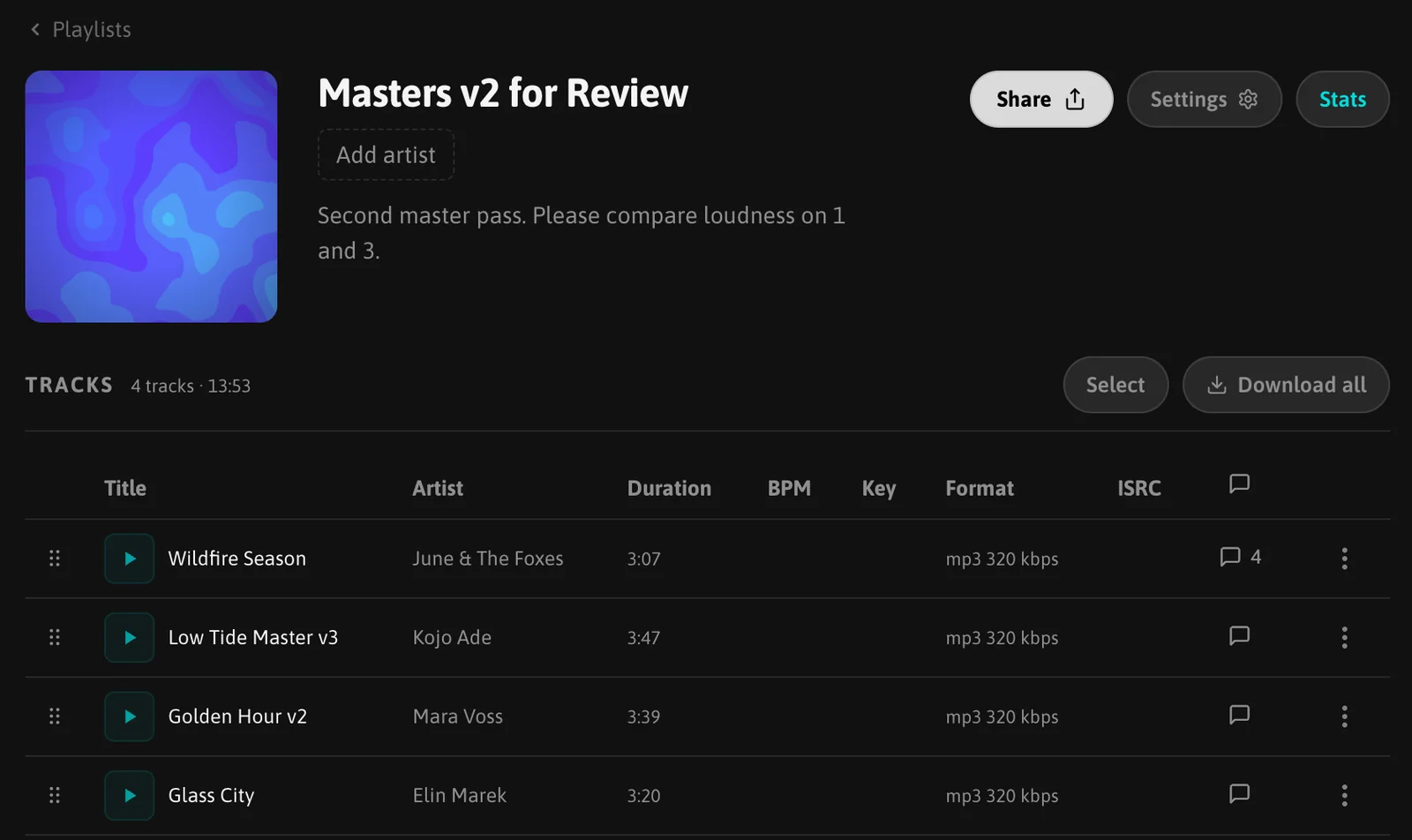
Each track row of the player has a comment button with the number of comments. It opens the comment panel for that track, under the player.
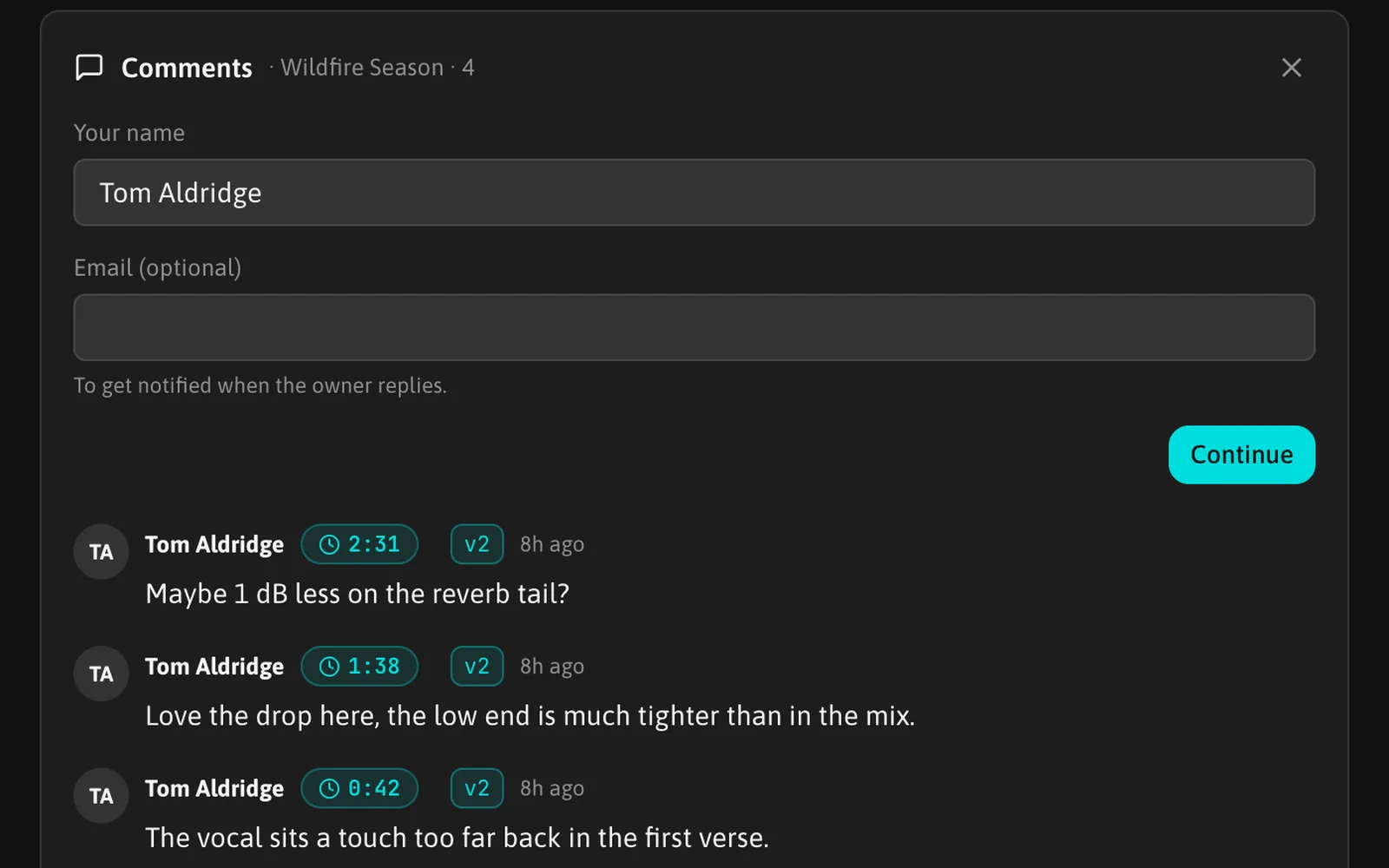
The first time, the panel asks for a name (prefilled with the name of the contact the link was made for) and an optional email, used only to tell the listener when you reply. The browser remembers both, and "change" edits them.
Comments on a moment
Clicking the waveform while the panel is open pins that moment to the comment: its time appears in the box, and the cross next to it removes it. Sending without a moment comments on the whole track.
With a keyboard, pressing C opens the panel on the playing track with the current moment already pinned and the cursor in the box.
A comment on a moment shows its time, for example "1:23"; clicking the time jumps there. It also leaves a dot under the waveform: hovering the dot shows the comment, clicking it jumps to the moment.
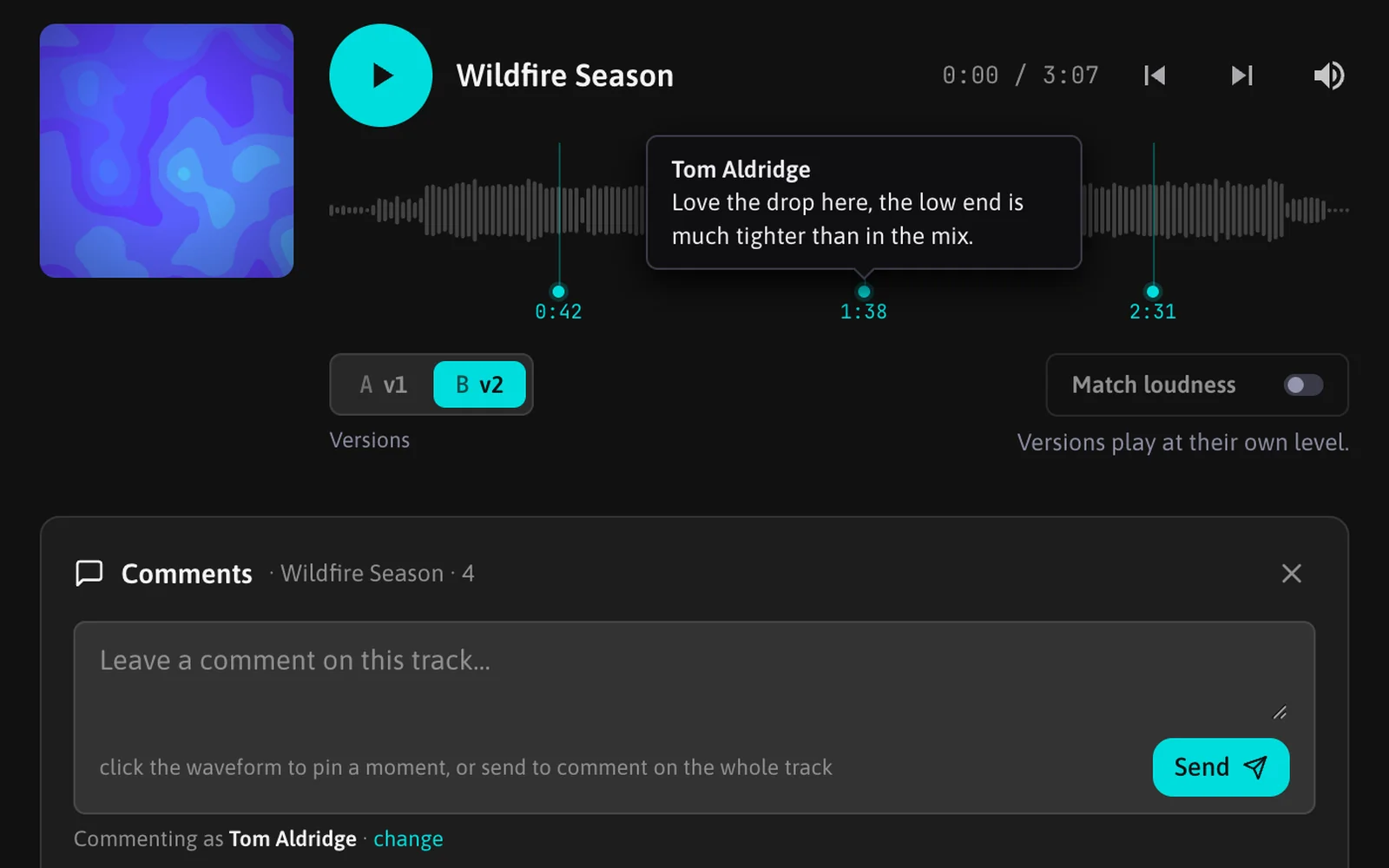
A listener can edit or delete their own comments from the row menu.
Replying from the track page
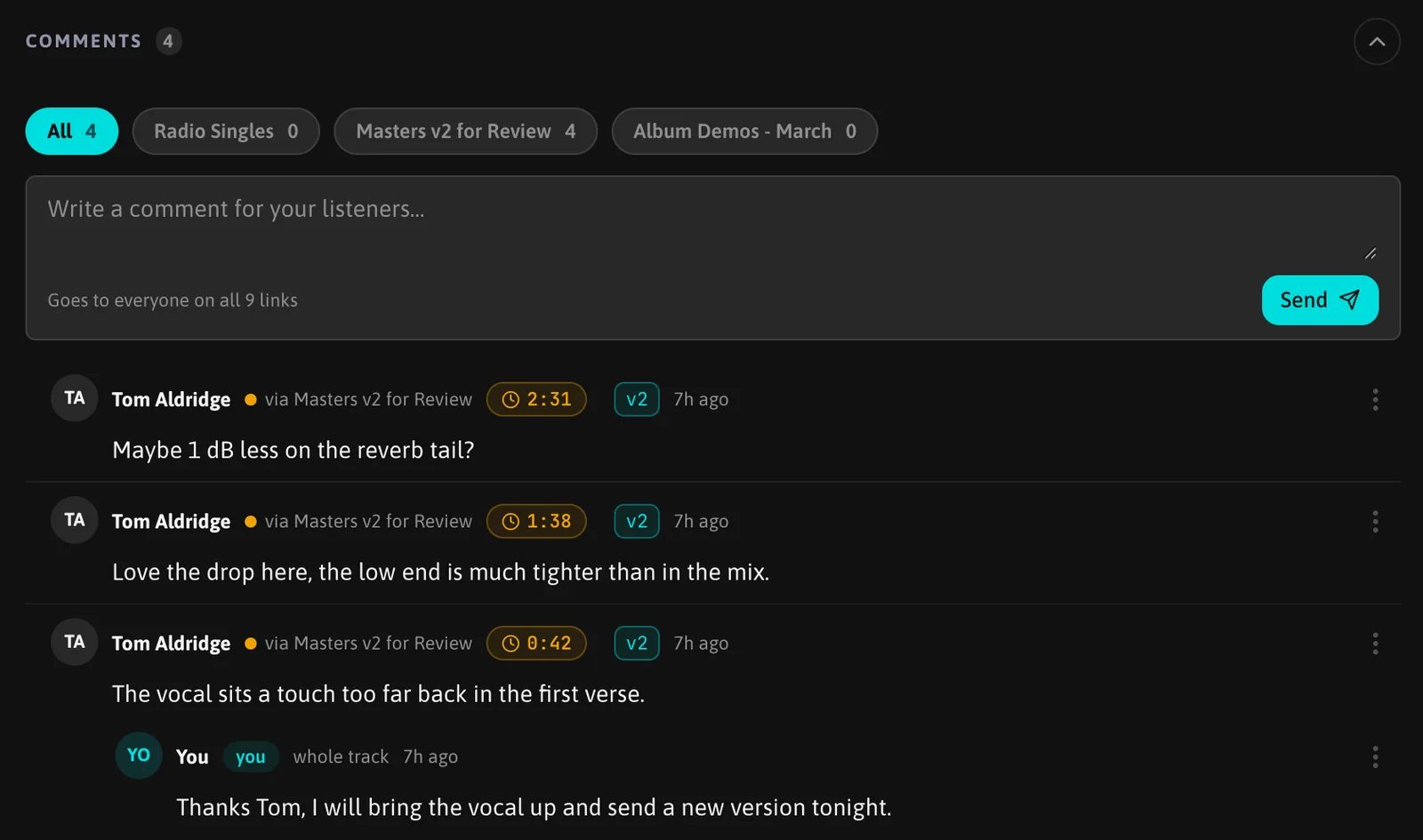
The Comments section of the track page gathers every comment on the track, from every link, newest first, with your replies under the comment they answer. The chips at the top filter by playlist, then by listener. Each comment says which link it came through, and its dot under the waveform takes the color of that link.
Click a comment to reply under it. The box at the top writes a new comment instead: it goes to every link in the current filter, as the line under the box says (for example "Goes to everyone on all 9 links").
From the row menu you can edit your own replies and delete any comment. A deleted comment disappears for everyone, including the listener who wrote it.
The playlist page shows the number of comments on each track, with new ones marked, and a click opens them.
Notifications
- You: new comments reach the bell and, if the Comments notification is on in Settings, an email. Comments that arrive close together on the same link are sent in one email, a couple of minutes after the first one.
- The listener: when you reply, a listener who left an email gets a message with a link that opens the track on that comment.
Tracks with versions
A track has one comment thread, whatever version is playing. Every comment names the version that was playing when it was written, for example "v2", followed by its moment when it has one. See Track versions and A/B listening.
FAQ
Can listeners on a Free account's links comment?
No. Commenting and replying need Pro or Studio. When an account goes back to Free, its listeners no longer see comments; the existing ones stay on the track page.
Do listeners see each other's comments?
No. Comments belong to a link, and each listener has their own link. Only a comment you write from the top box of the track page reaches several links at once.
Is there a limit?
A listener can send up to 30 comments every 10 minutes from the same connection.