
Contacts are the people you send music to. They are a single address book for your whole account: the same contact can hold links in many playlists, and their listens stay together under one name.
How contacts are created
You rarely add contacts by hand. A contact appears when you:
- send a share by email to a new address;
- create a named link in the Share window;
- receive a submission through your upload area (Studio).
You can also add one directly on the Contacts page with a name and an optional email.
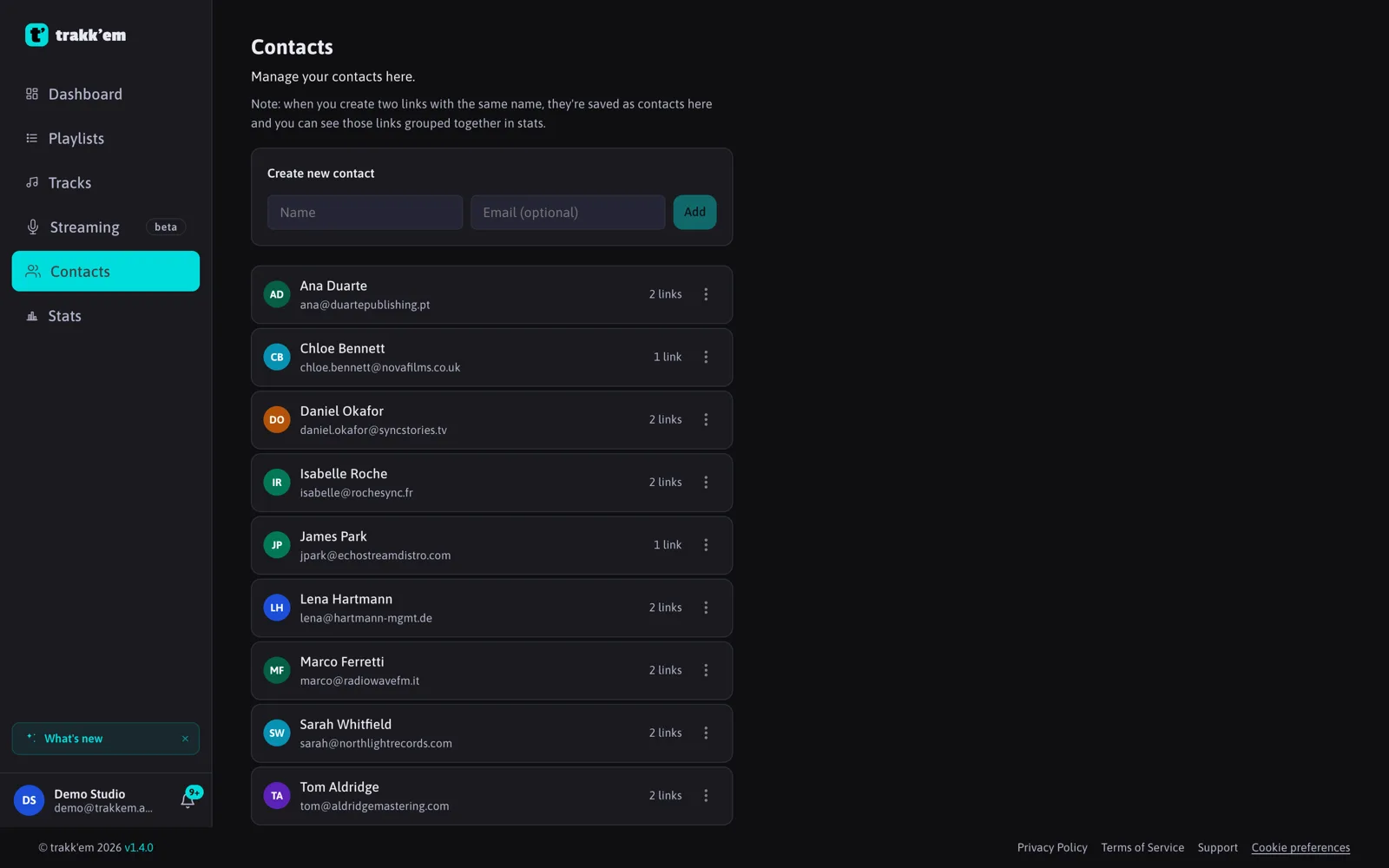
Editing
On the Contacts page, edit a contact's name or email inline and save. The email is what the Share window uses when you pick the contact, and where the listener is notified if you download files they sent you.
Contacts and links
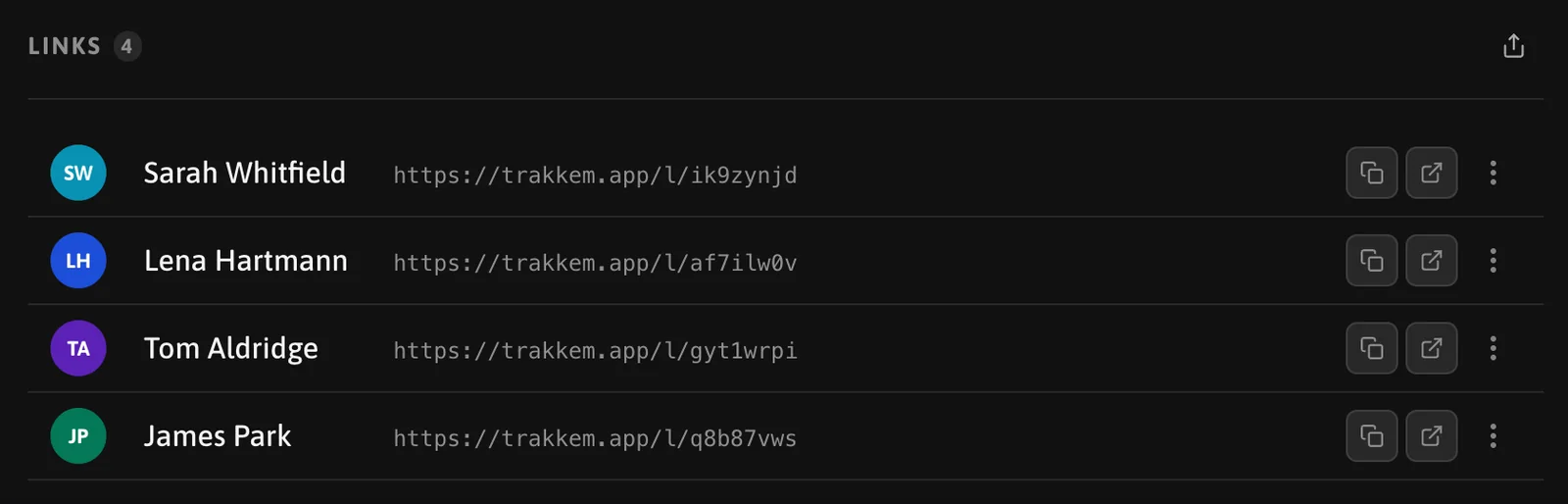
A link is always a pair of one playlist and one contact. Sharing the same playlist twice with the same contact reuses their link. Sharing a different playlist with them creates a new link for that playlist.
Deleting a contact deletes their links.
FAQ
How many email addresses can a contact have?
One contact, one email. Create a second contact if someone uses two addresses.
Who can see my contacts?
Only you. Contacts are private to your account; editing them is invisible to the listener.