
Streaming broadcasts live audio from your computer to a web page. Listeners open a link in any browser and hear what you hear, in high quality, with no app to install. Available on Pro and Studio.
Typical uses: a listening session with a client or a label, playing a mix from your DAW to someone in another city, a live review.
Broadcasting
Open Streaming in the sidebar.
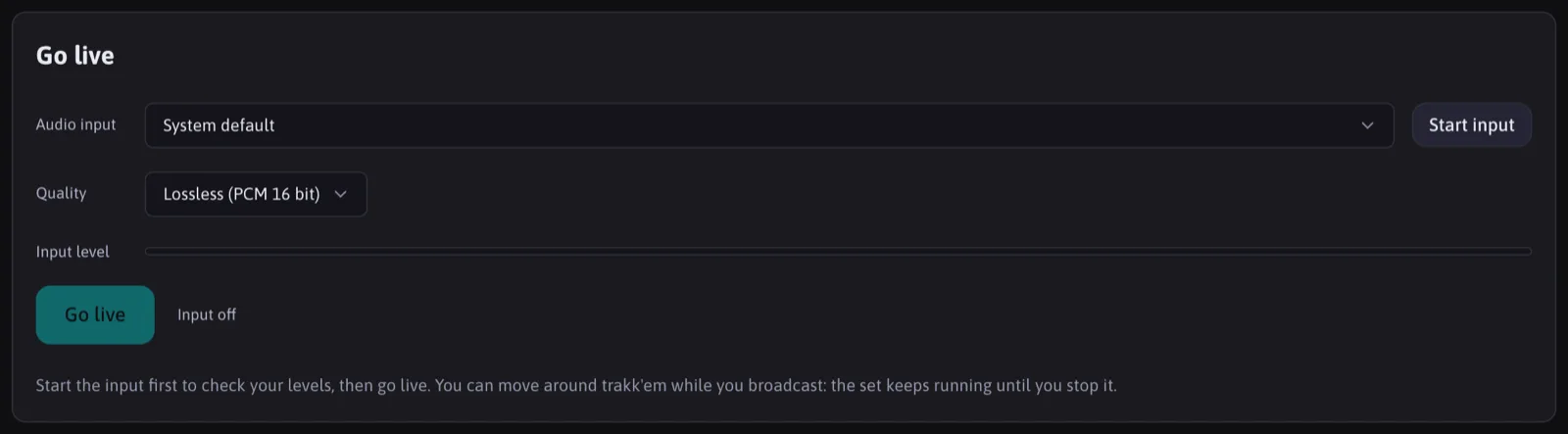
- Choose the Audio input. Route your DAW or system audio into it with a virtual audio cable such as BlackHole or VB-CABLE: the procedure is on the Streaming setup page.
- Choose the Quality: Lossless (uncompressed PCM 16 bit), High (Opus, about MP3 320 quality) or Low (Opus, about 128 kbps, the lightest).
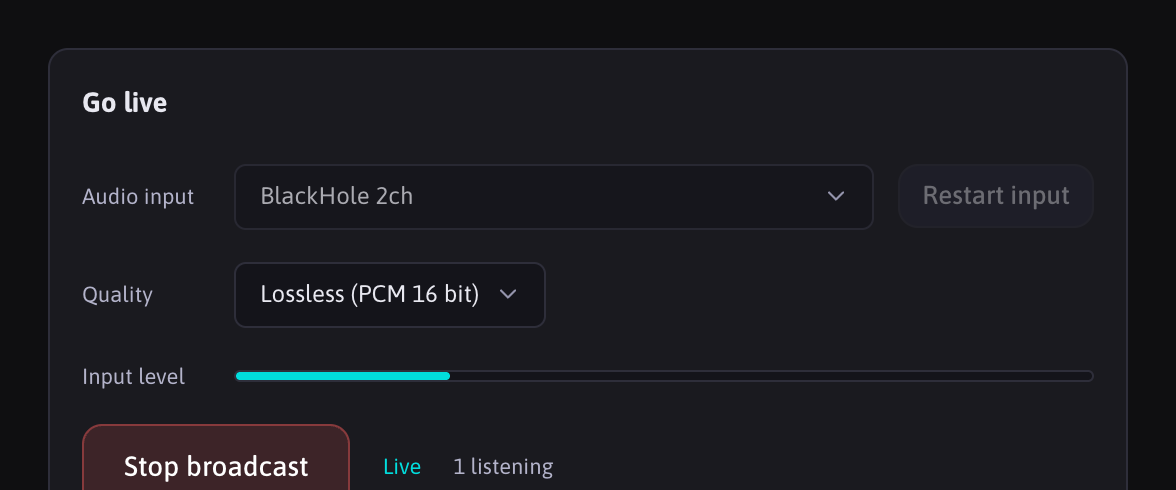
- Check the input level meter, then press Go live.
- Copy the listener link and send it. The page shows how many people are listening.

Press Stop broadcast to end. If your connection drops, listeners keep the buffered audio and the broadcast resumes on its own once you are back.
Broadcasting needs the WebCodecs audio encoder, which today only Chrome and Edge on desktop provide. Listening works in every browser.
Listening
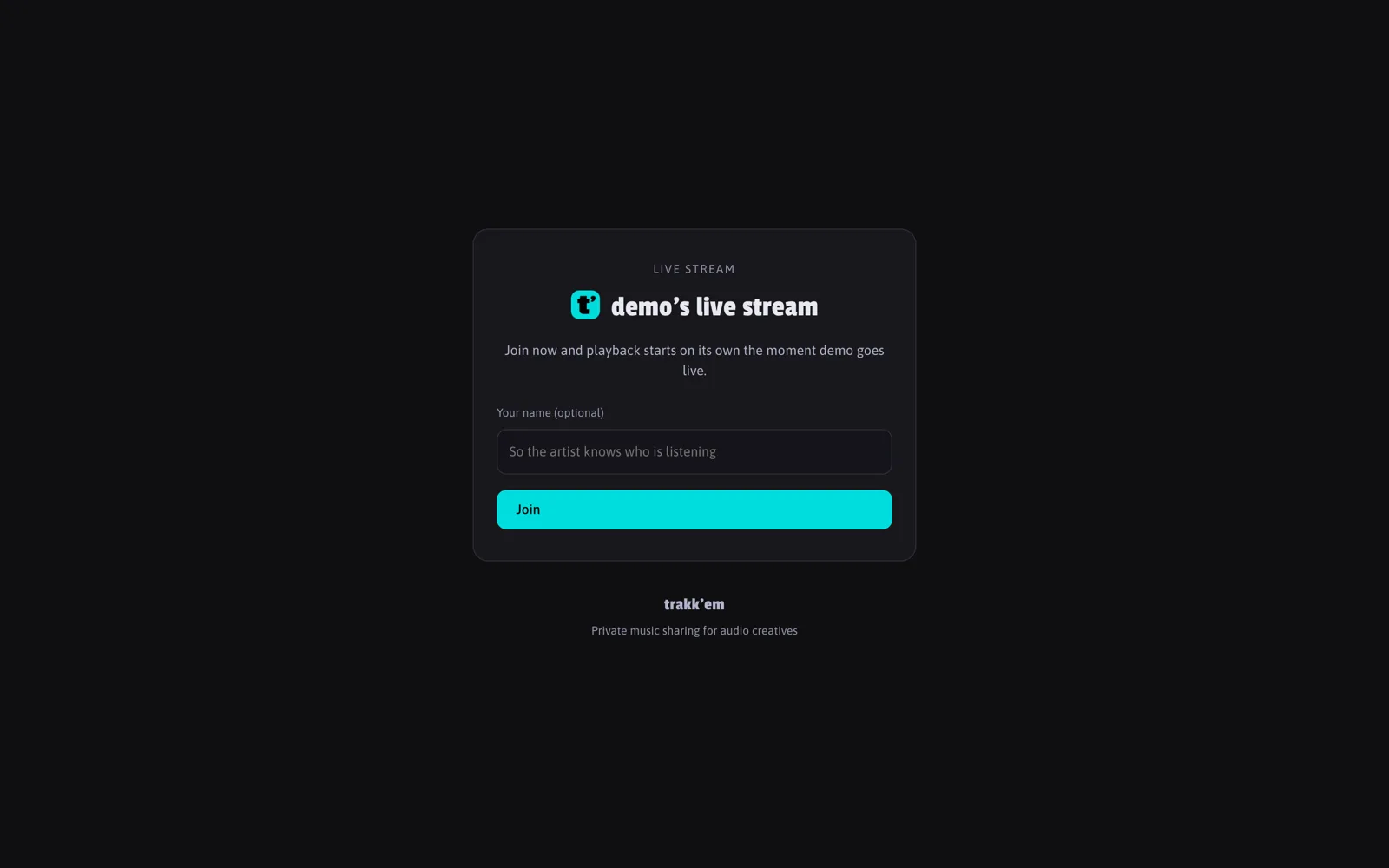
The listener opens the link and presses play. On Pro the link is a short /s/ code; on Studio it is trakkem.app/your-username/stream. No account. Pro broadcasts can have up to 100 simultaneous listeners; Studio has no limit.
Logo
You can upload a logo to show on the stream page, from the Streaming page.
FAQ
Is there latency?
Yes, a few seconds, as with any live stream. It is made for listening together and commenting.
Is the broadcast recorded?
The audio is not: when you stop, it is gone. What is kept is the history of your broadcasts, with start, end and how many people were listening over time, shown on the Streaming page.

Which quality should I pick?
Lossless when the listener has a good connection and quality matters (mastering approval, critical listening). High for anything else. Low for mobile listeners on weak networks.