
A share can also work in the other direction: the listener sends you files through their link. This is meant for stems, references, alternate mixes, signed documents. It is available on Pro and Studio.
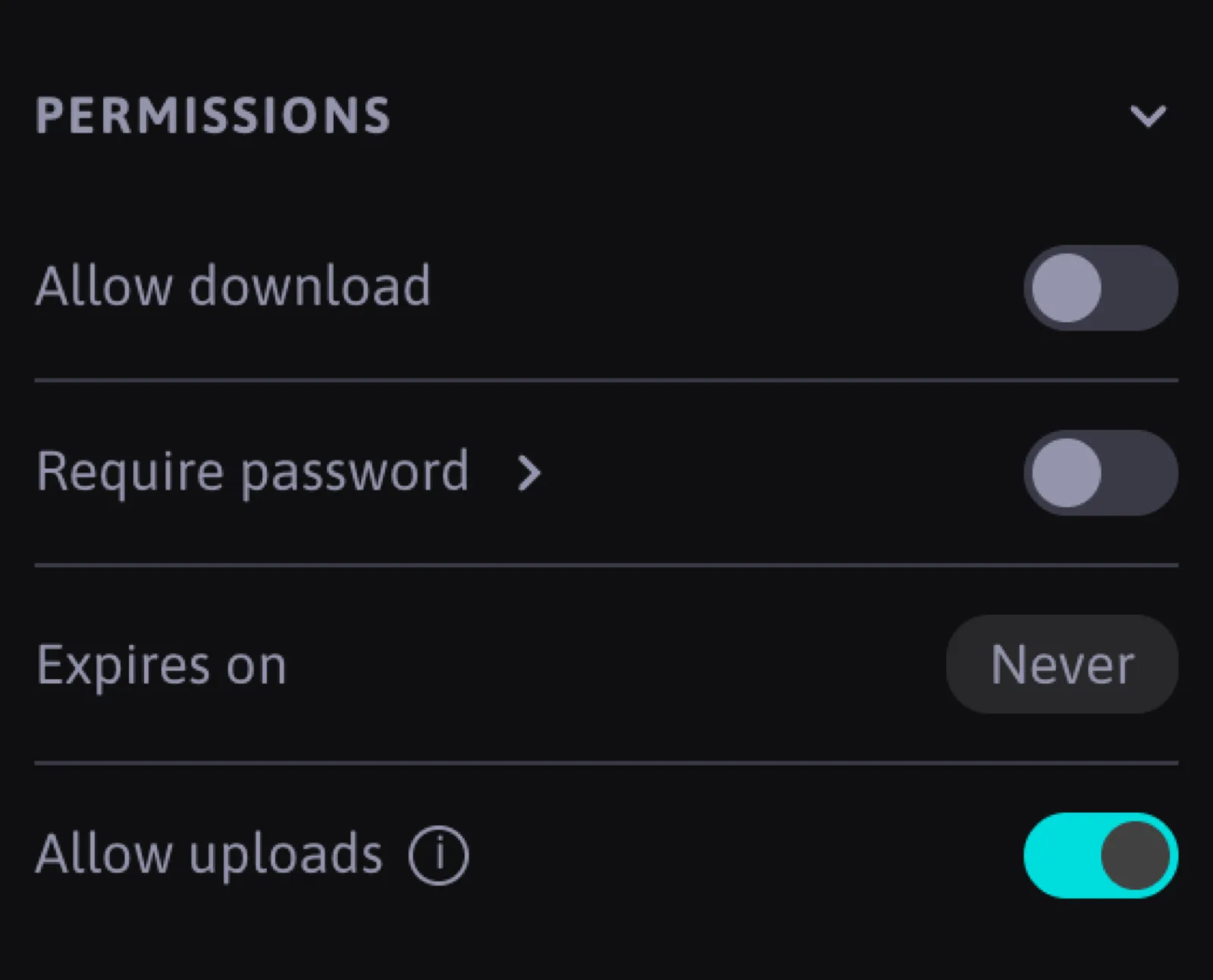
It is off by default. Open the playlist, and in the settings panel under Permissions switch on Allow uploads. From that moment the player page of every link of that playlist shows a "Send files" area at the bottom.
What the listener sees
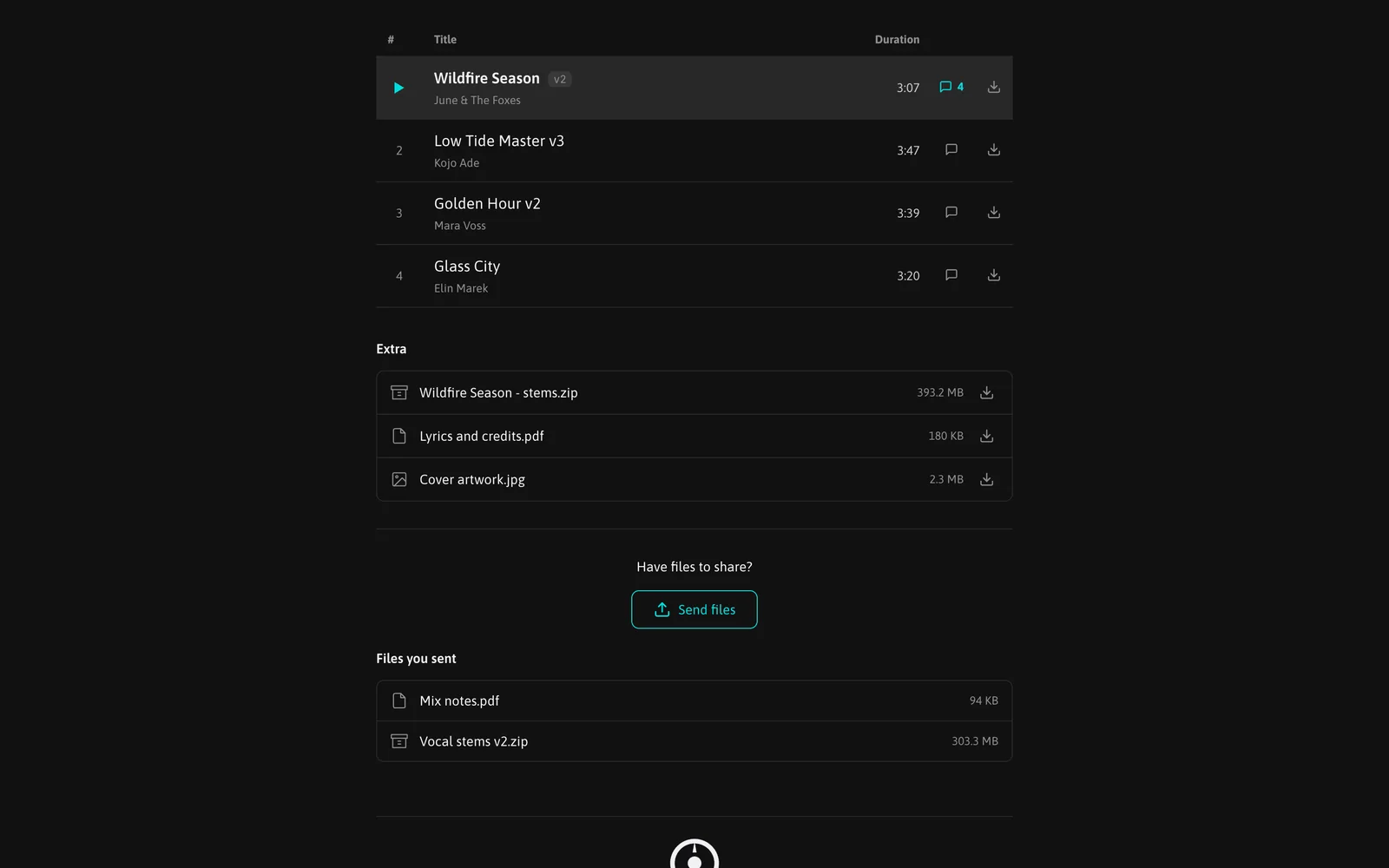
Below the tracklist, the player shows "Have files to share?" with a Send files button. The listener drops up to 25 files of any type in one submission and sends them. They get a confirmation on the page.
Notifications
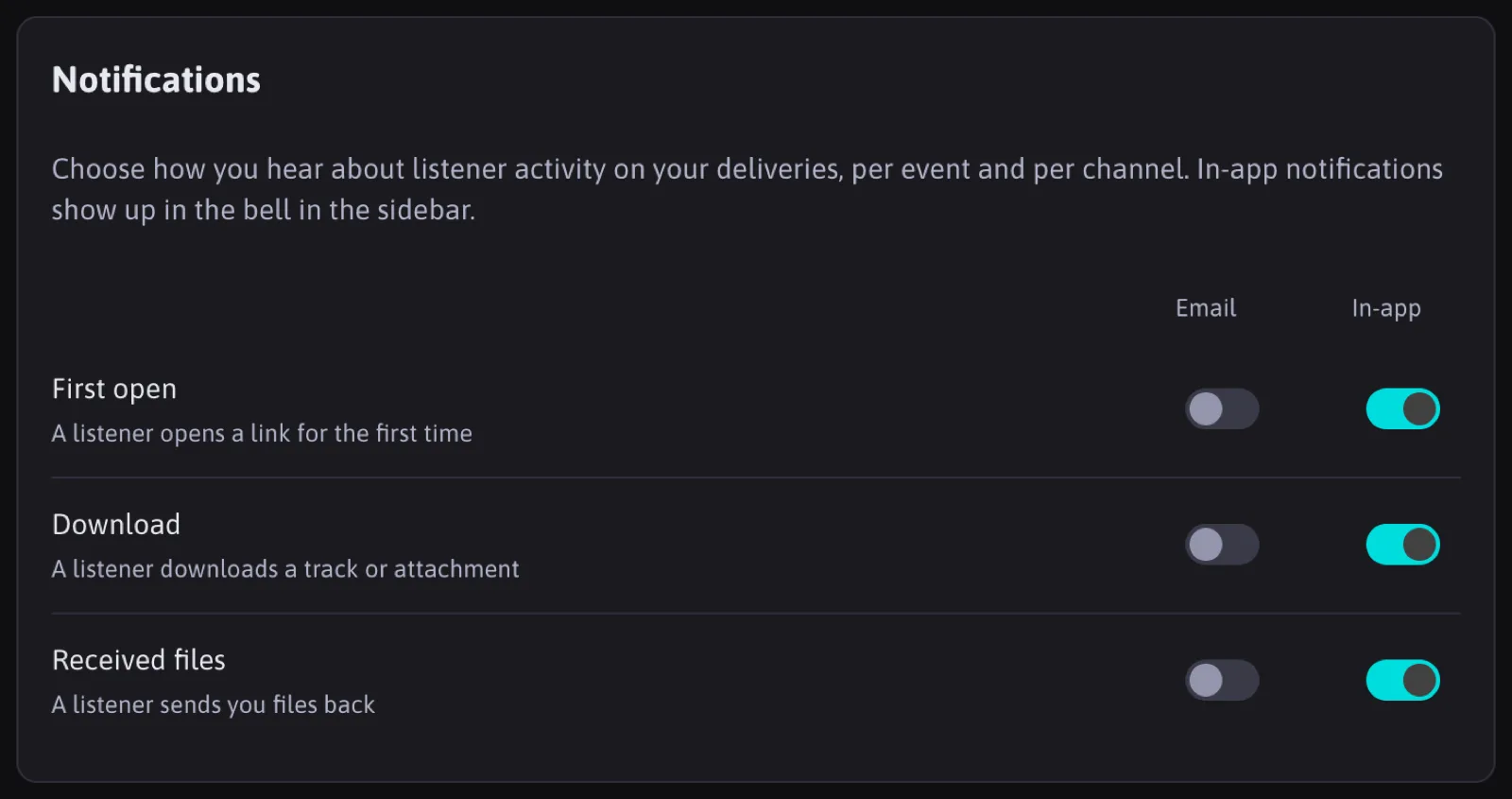
You get an email for each submission and a notification in the bell, according to your notification settings. On the playlist page, a Received table lists every file with who sent it and when, with download and delete per file and a Download all for the whole table.
Received files count toward your storage quota, up to 500 MB per file. Deleting them frees the space.
Letting the sender know
When you download files a listener sent, they receive an email saying their files were picked up, provided the contact has an email address. This is automatic and is the one email trakk'em sends to a listener on your behalf besides the share itself.
FAQ
Can a listener send files if they only have a named link with no email?
Yes. The email is only needed for the pickup notification to them.
How are received files different from attachments?
Attachments are yours and go out to listeners. Received files come in from listeners and are shown only to you.
Can the listener see what they already sent?
Yes, their own submissions are listed on their player page.