
By default a share is listen-only. Downloads and attachments are switched on per playlist and are available on Pro and Studio.
Allowing downloads
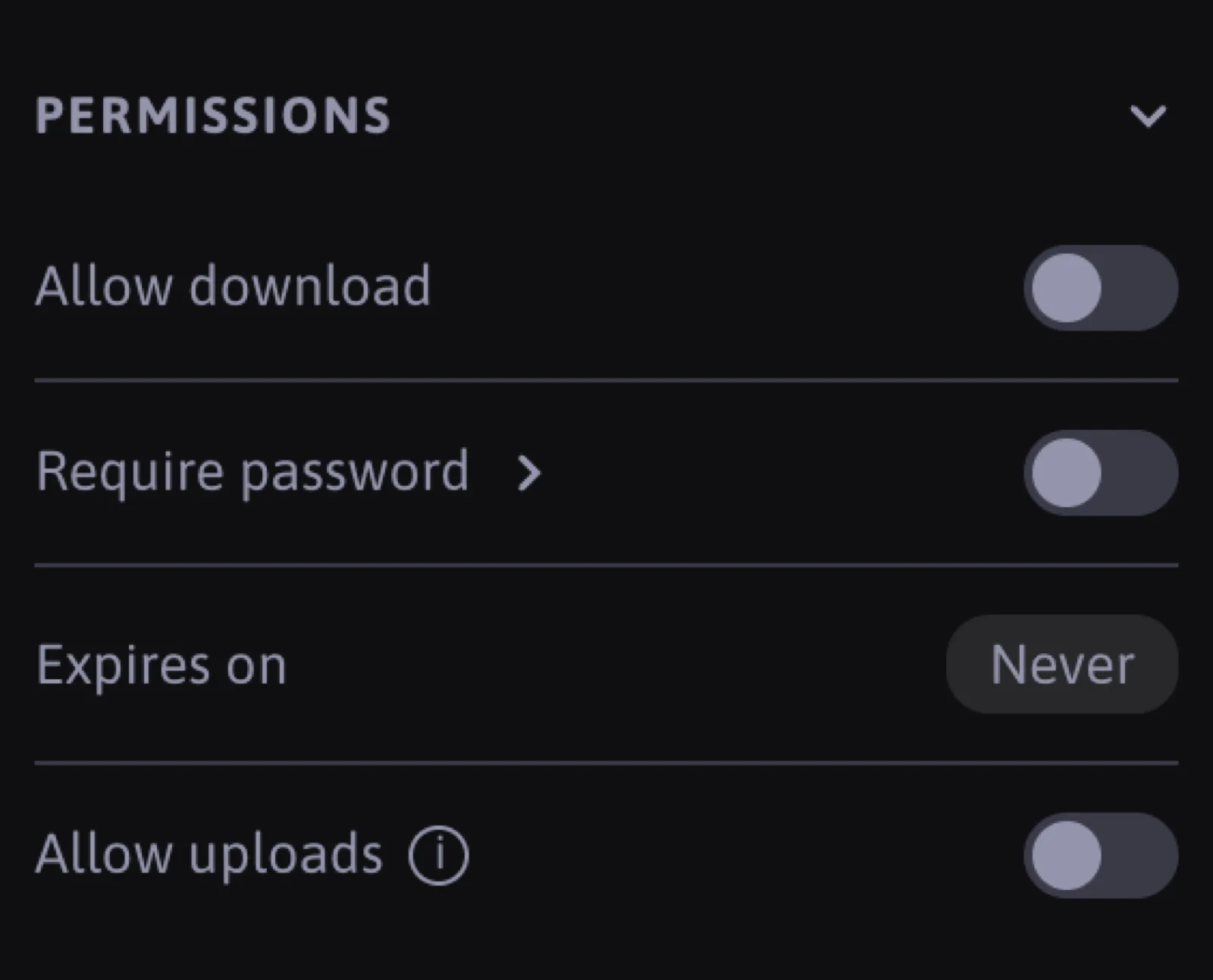
In the playlist settings, under Permissions, switch on Allow download. Every link of that playlist then shows a download button per track and, when there is more than one downloadable item, a Download all button that packs everything into a zip. Downloads deliver the original file, untouched.
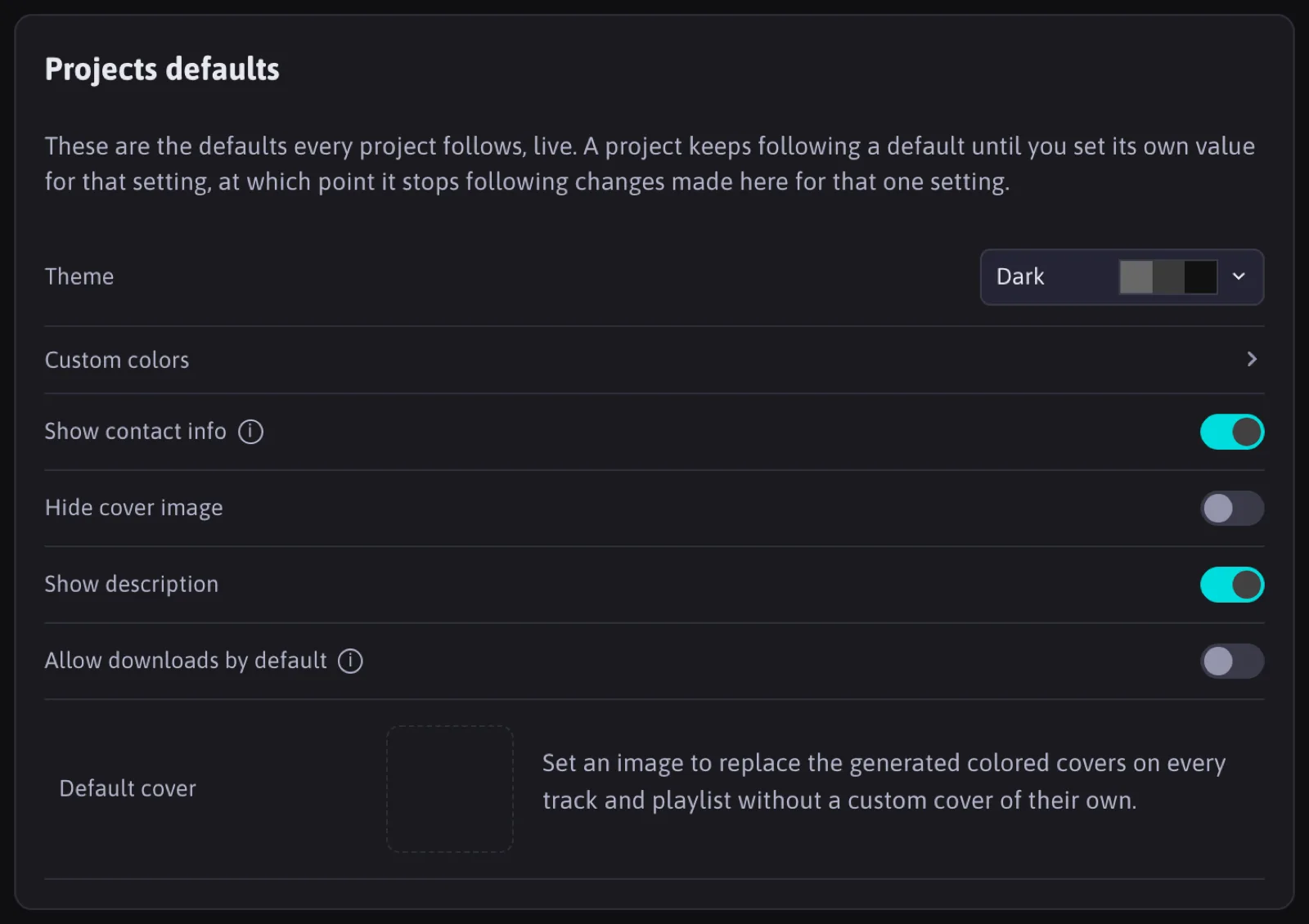
In Settings, Allow downloads by default presets this switch for playlists you create from then on. Existing playlists keep their own setting.
Every download is recorded per listener and appears in the link detail and in the notifications bell.
Attachments
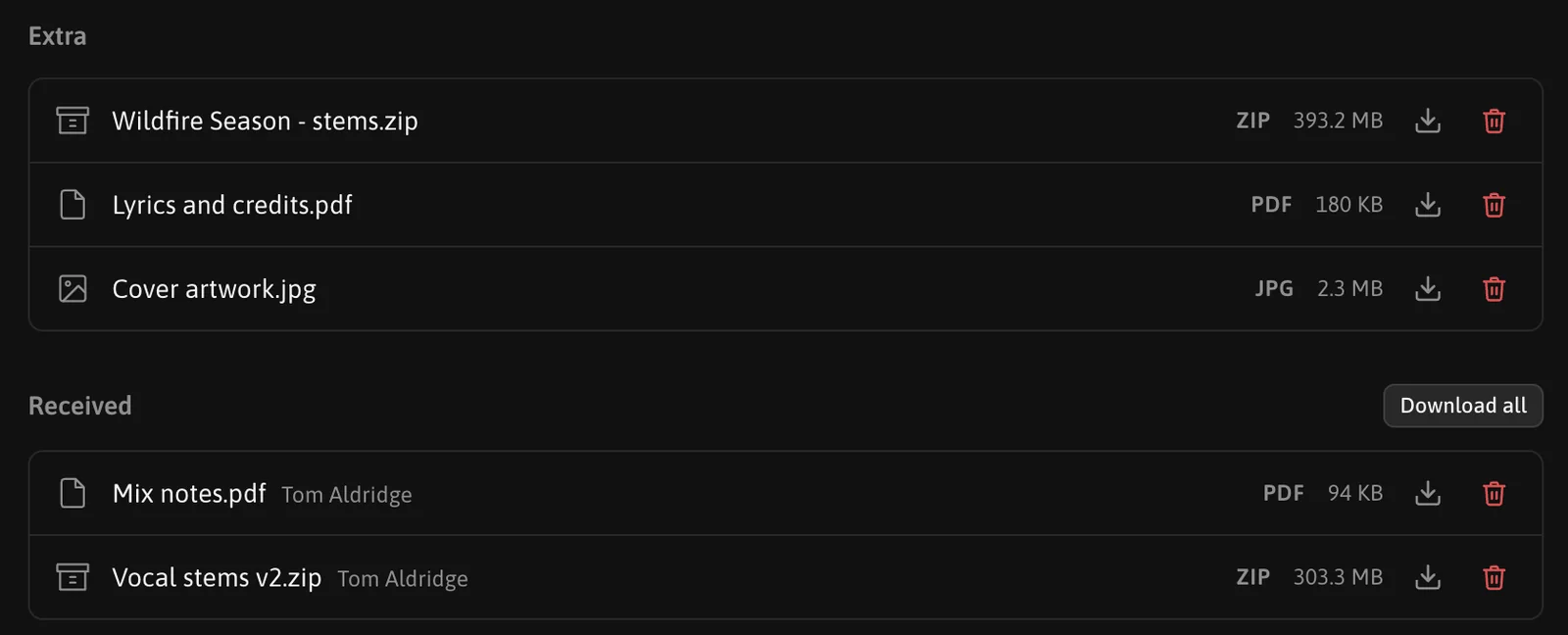
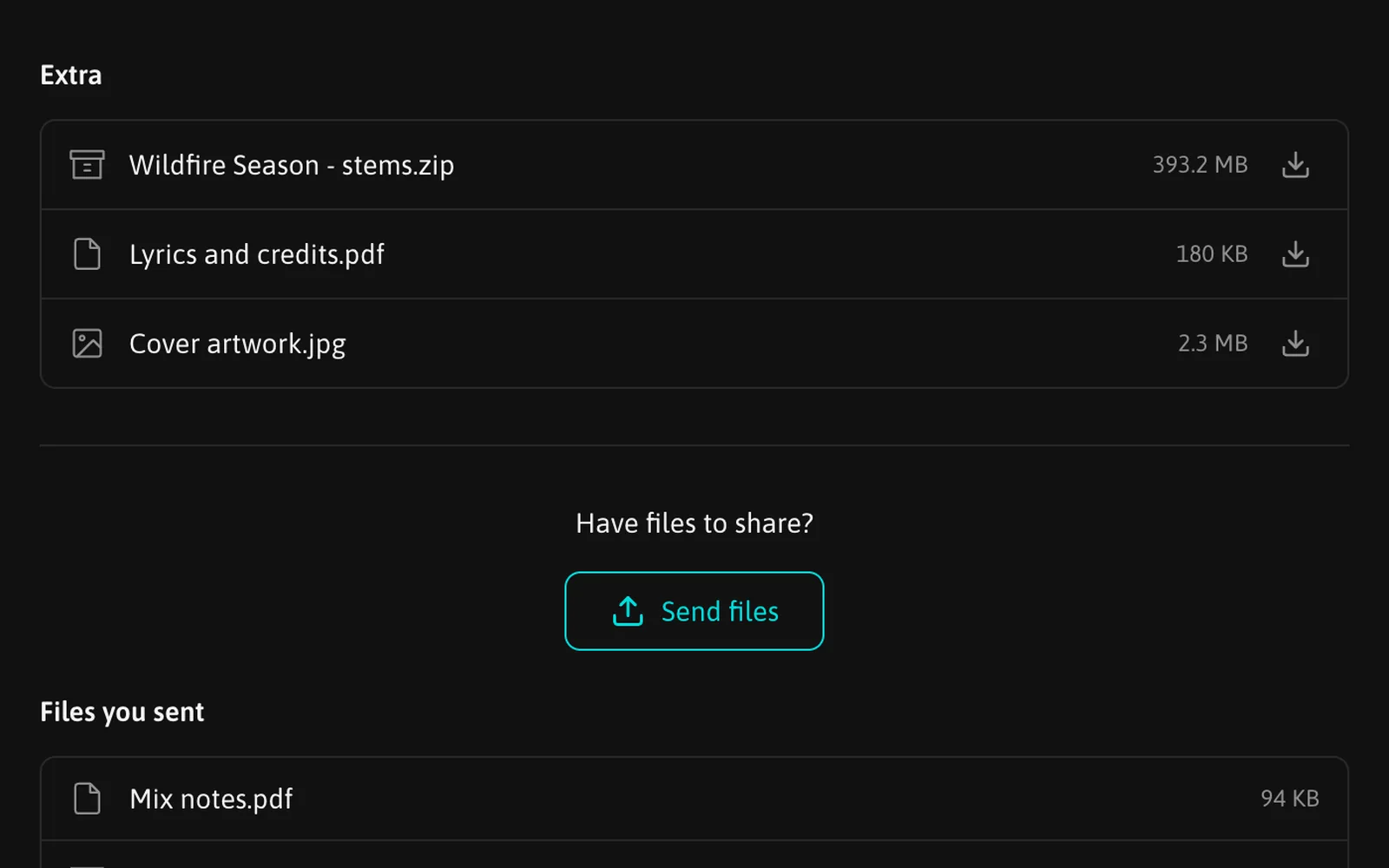
Attachments are non-audio files you add to a share: a PDF, artwork, a lyric sheet, a contract. Drop them on the playlist page, or use the Extra section. Listeners see them under the tracklist and can always download them, regardless of the audio download switch. They are included in Download all.
Attachments count toward your storage quota. The limit is 500 MB per file.
Your own downloads
From the admin pages you can download any of your tracks or a whole playlist as a zip at any time. These are your own downloads and stay out of the listener stats.
FAQ
Can I allow downloads for one listener only?
The switch is per playlist. To give one person a downloadable copy, create a separate playlist with the same tracks and share it with them.
Is the downloaded file the same as the uploaded one?
Yes, byte for byte.
What happens if I switch downloads off after someone downloaded?
The buttons disappear from the player from that moment on. Files already downloaded stay with the listener.